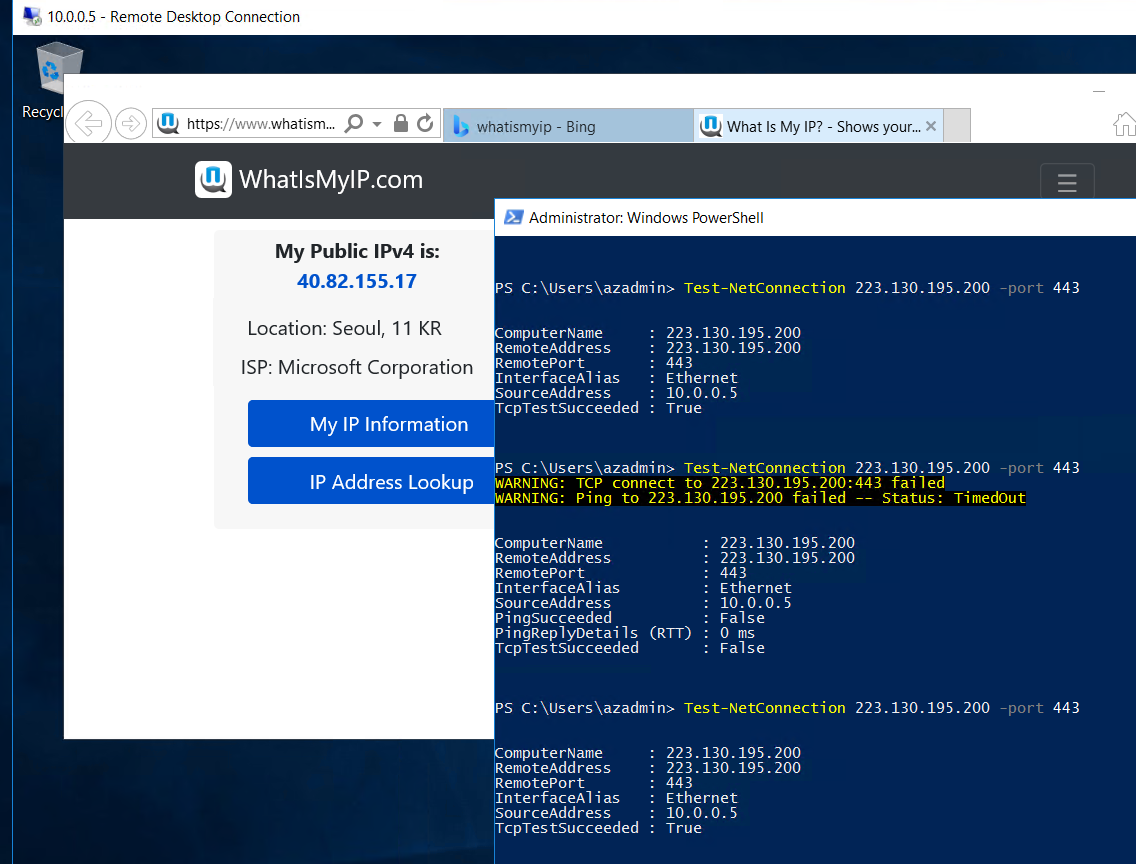
Azure vm can connection internet outbound without public ip.
But Somtimes internet connection not working after connection LB.
Exactly, Occurs when the following conditions are combined.
First, using Standard Load balancer.
Second, config Az set.
Currently, some region include south korea not support zone. so use only az set.
There is Four solution solving this problem.
1, change the sku ‘basic’ in Load balancer.
2, assoicated public ip in VM.
3, using public Load balancer NAT outbound.
4, using Nat Gateway.
then, i show demo about solutions about NAT.
Create vm wwith Az Set.
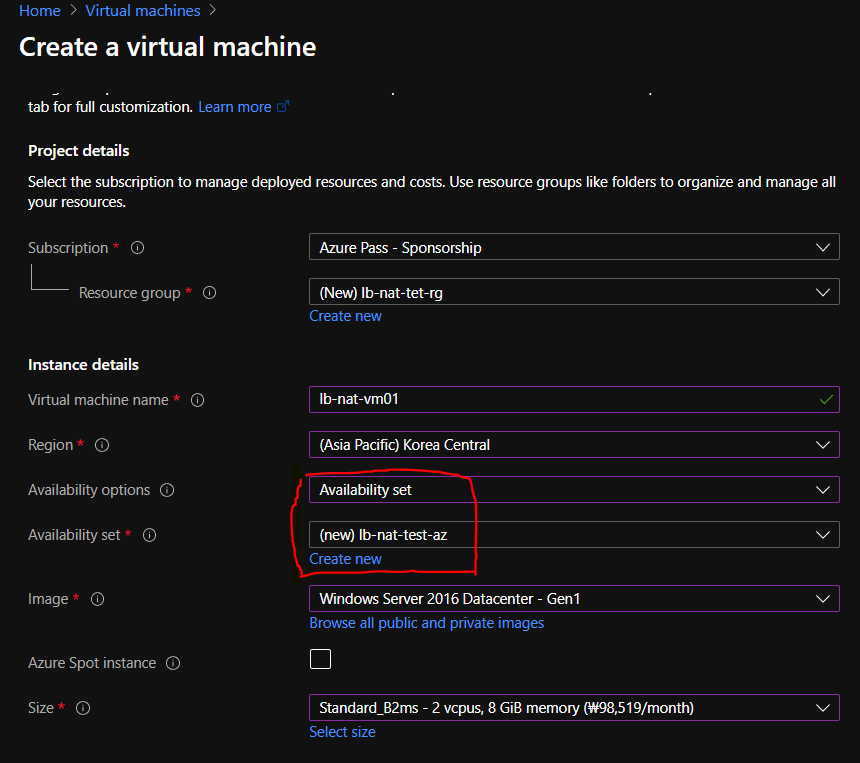
Deploy is done. then access vm.
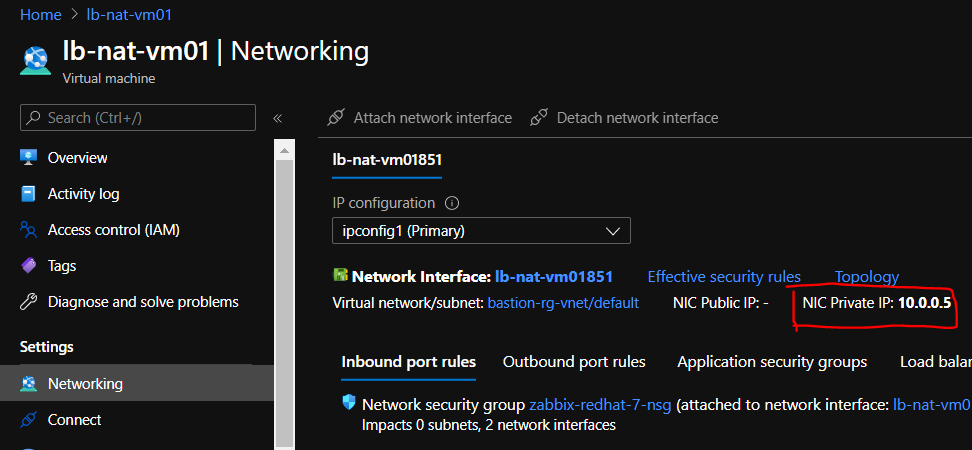
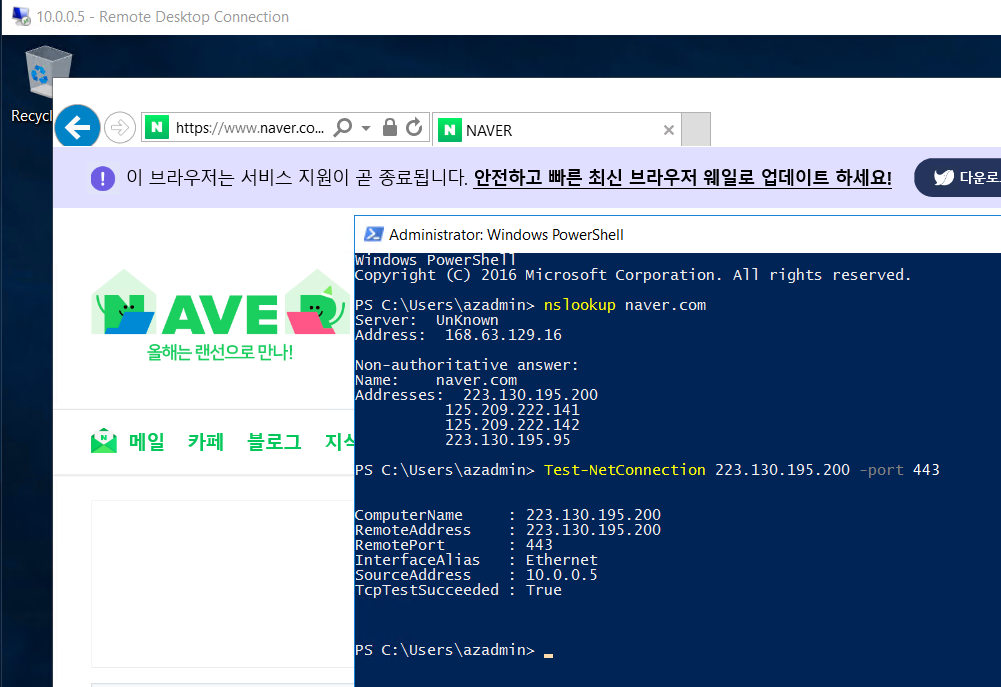
I check internet connection is enabled.
it’s good well.
Then, create Standard Load balancer. select type sku below picture.
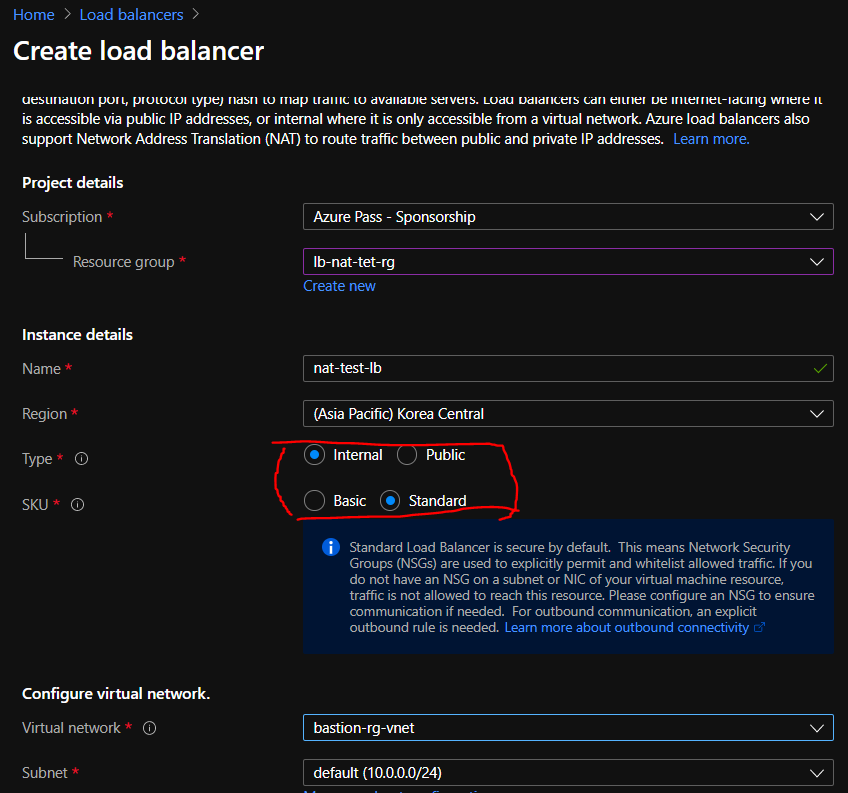
it’s deployed LB. then add Backend pool.
skip the add probe,rule.
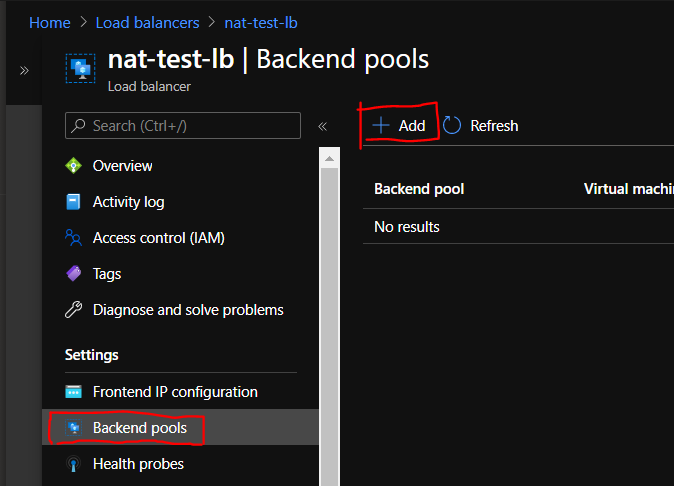
and, we access vm again. then check innternet connection.
it’s not working..
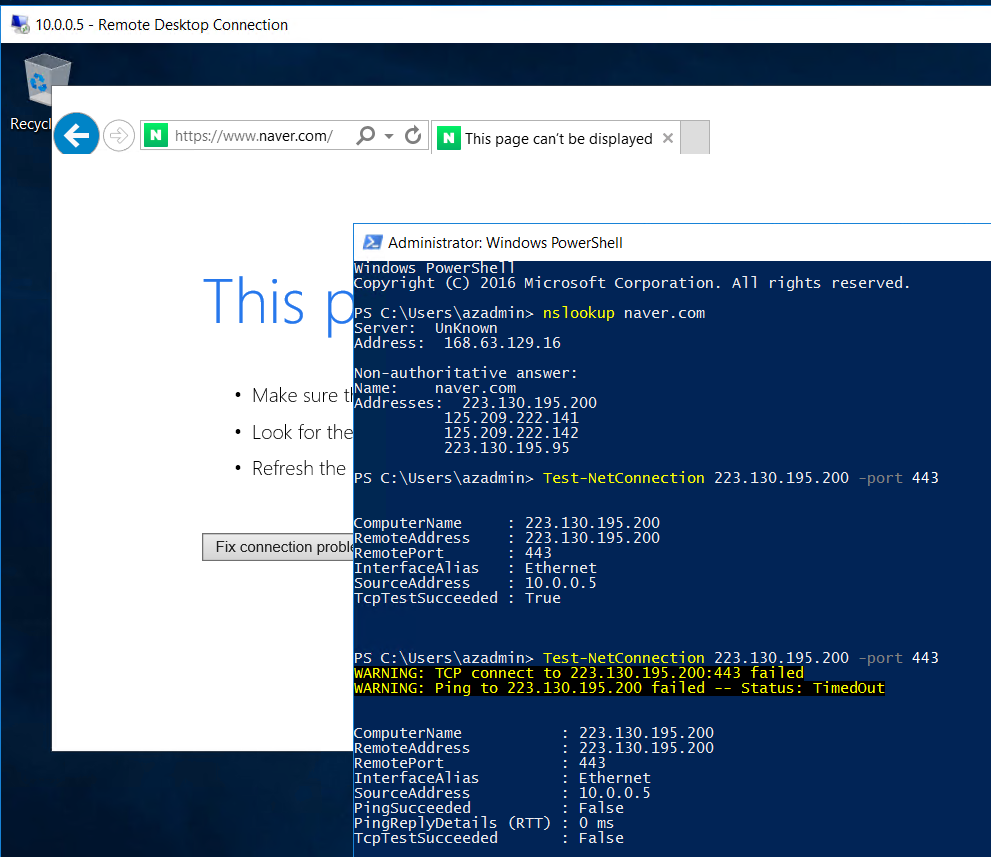
so, we create Nat LB to solve this problem.
Create Public LB like under picture.
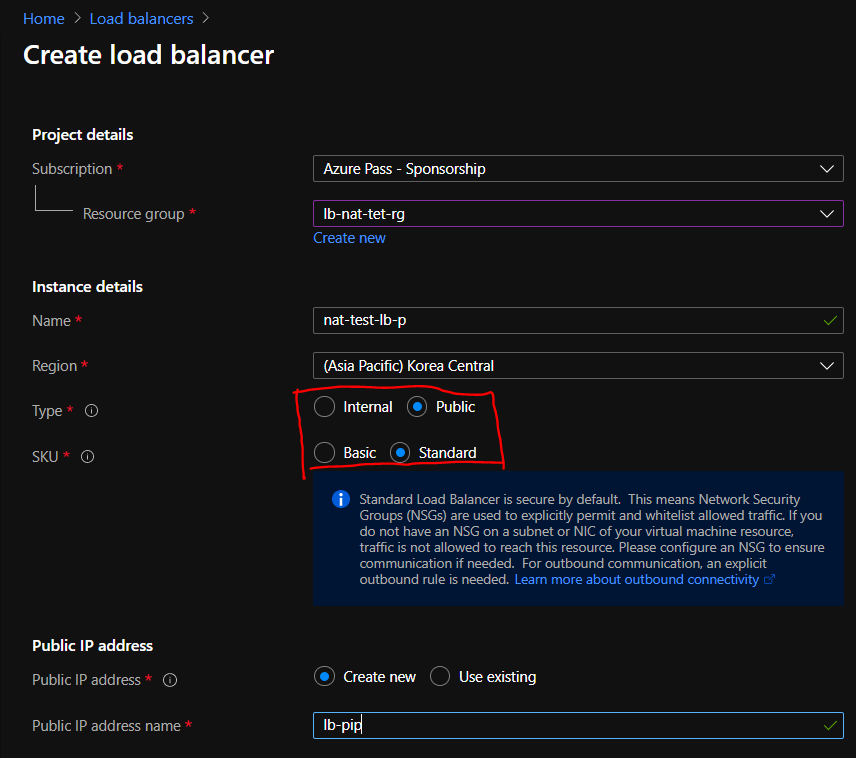
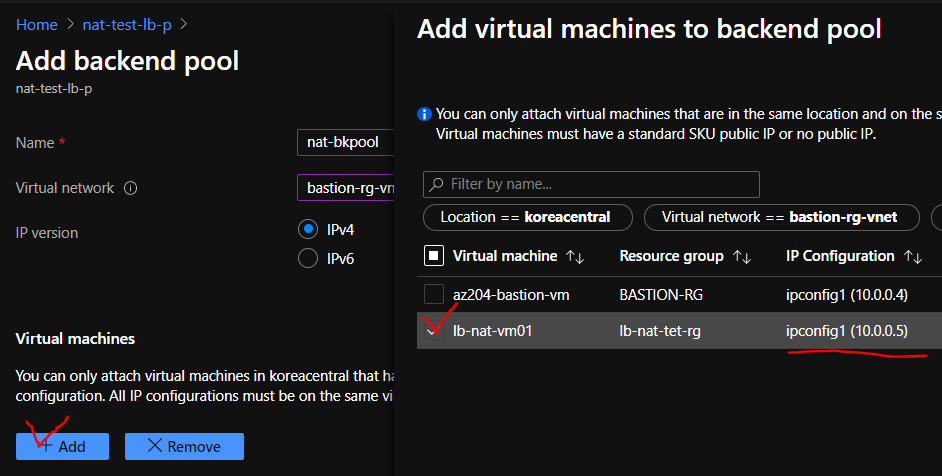
And add Backend pool like screen.
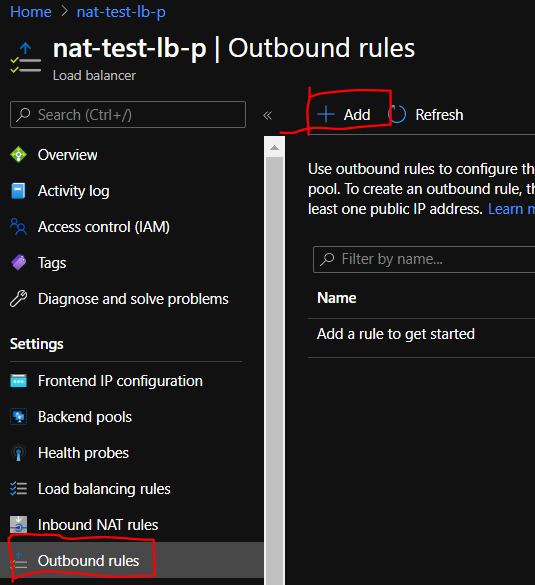
add outbound rule
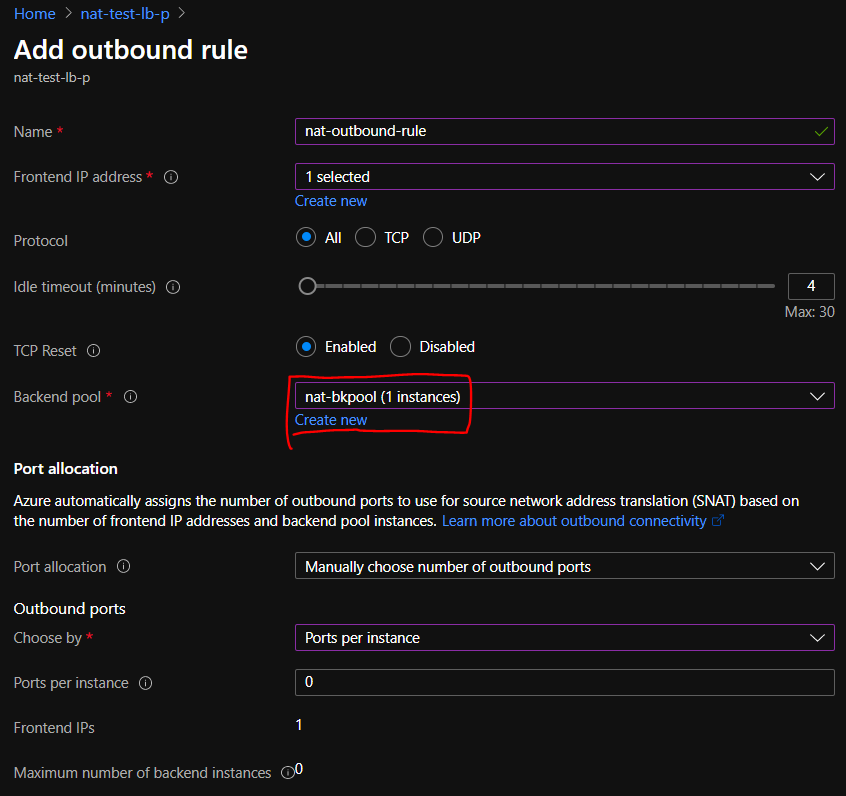
Select FrontendIp, backend pool
then others set to default.
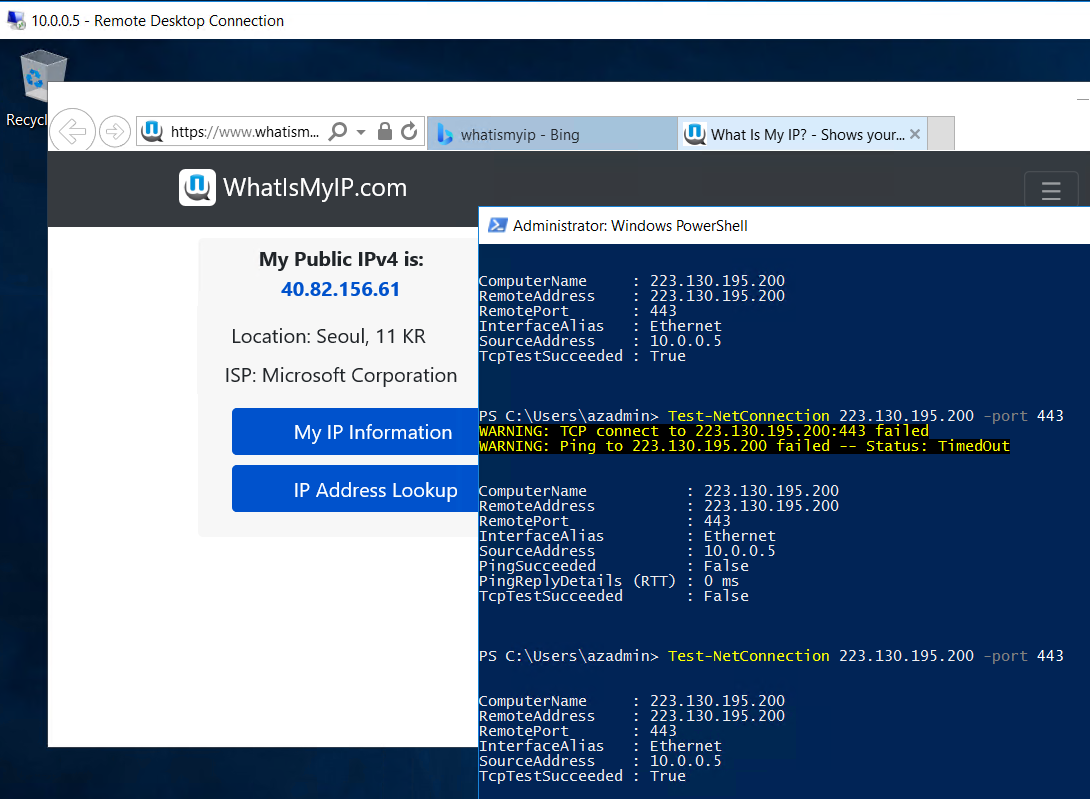
After complete setting, again check internet connection in VM.
This time, To check NAT IP, connect whatismyip web page.
We check return frontendIP in Public LoadBalcer.
And we delete public LB for test NAT gateway
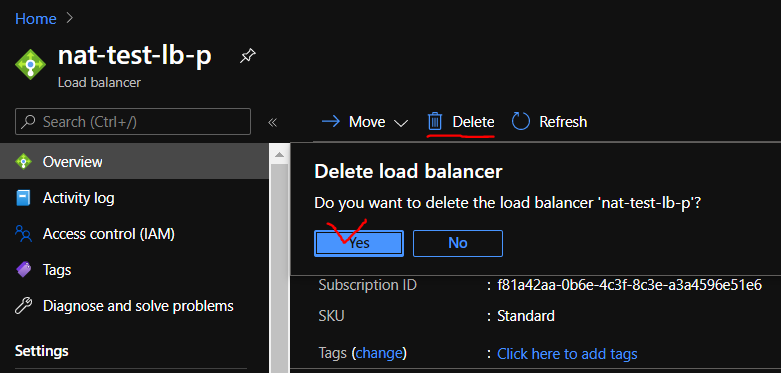
Again check internet connection. again not working.
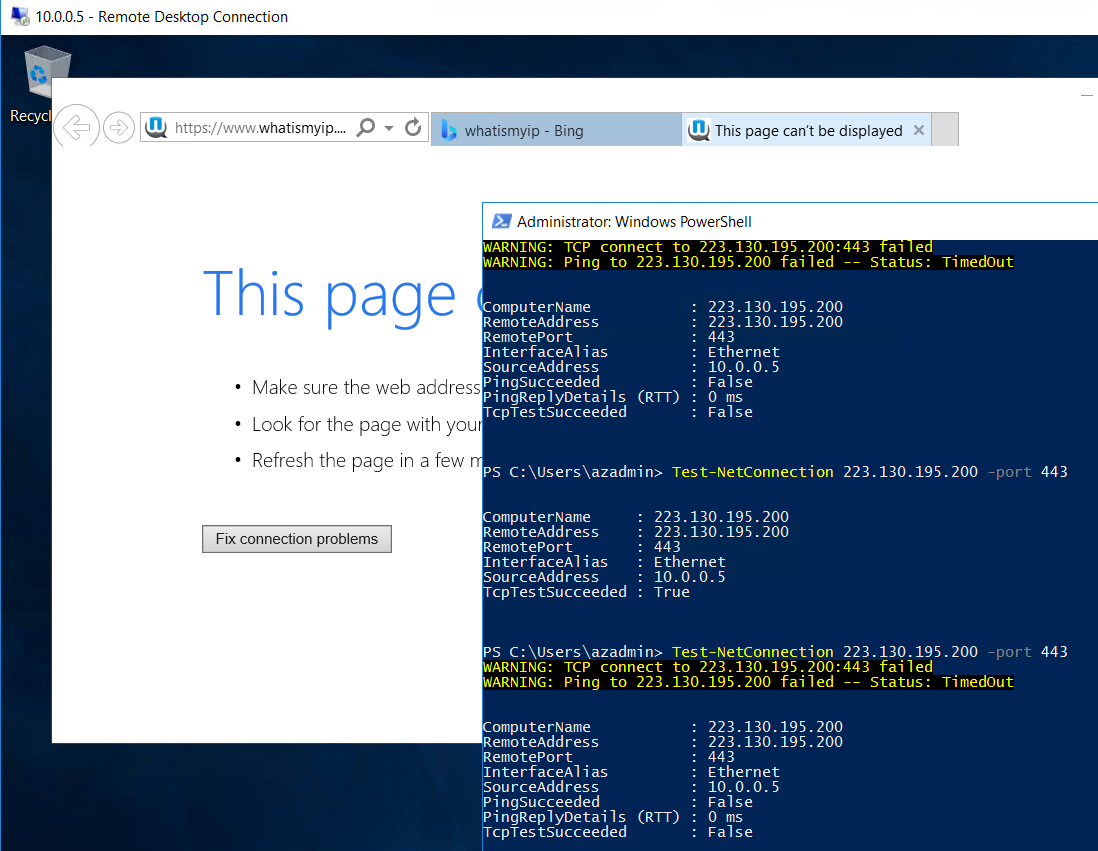
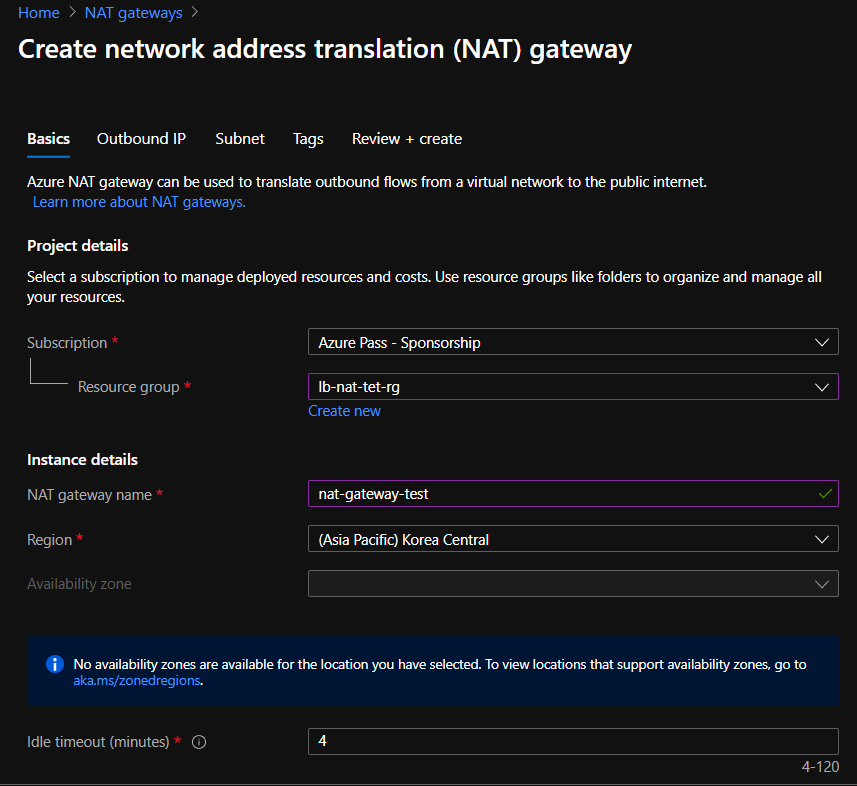
Then create NAT gateway like under the picture.
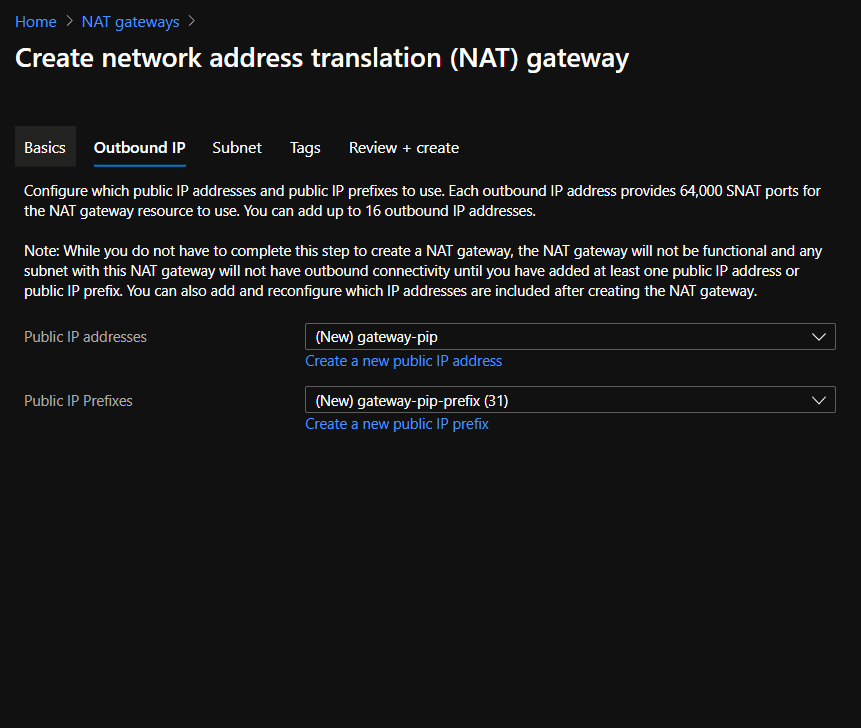
Add setting abbout Outbound IP.
Create one Public Ip, a public Ip prefix. we only create 2 range.
Set the subnet associated gateway.
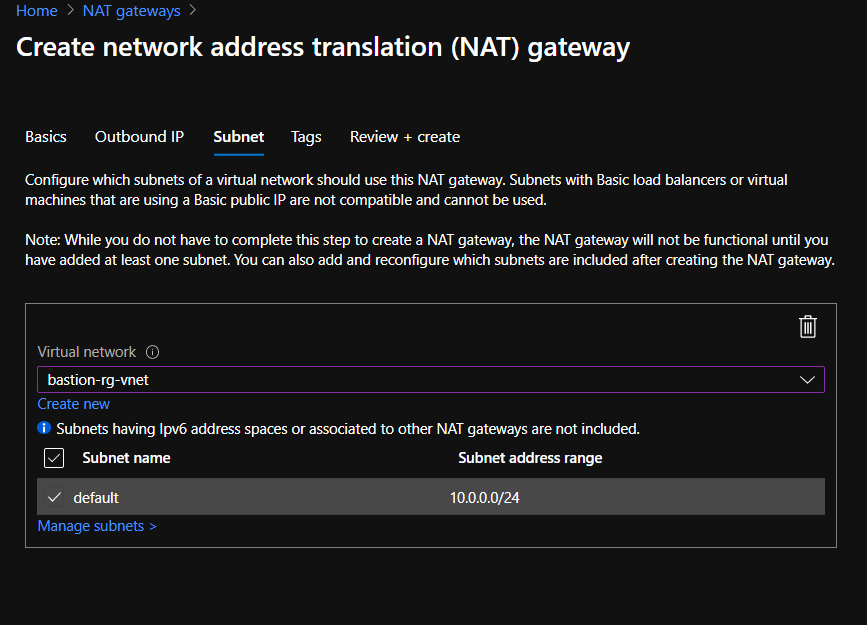
After set the settings, go to the vm.
Again check status. it’s working well.
And we know this ip is one of public ip prefix range.